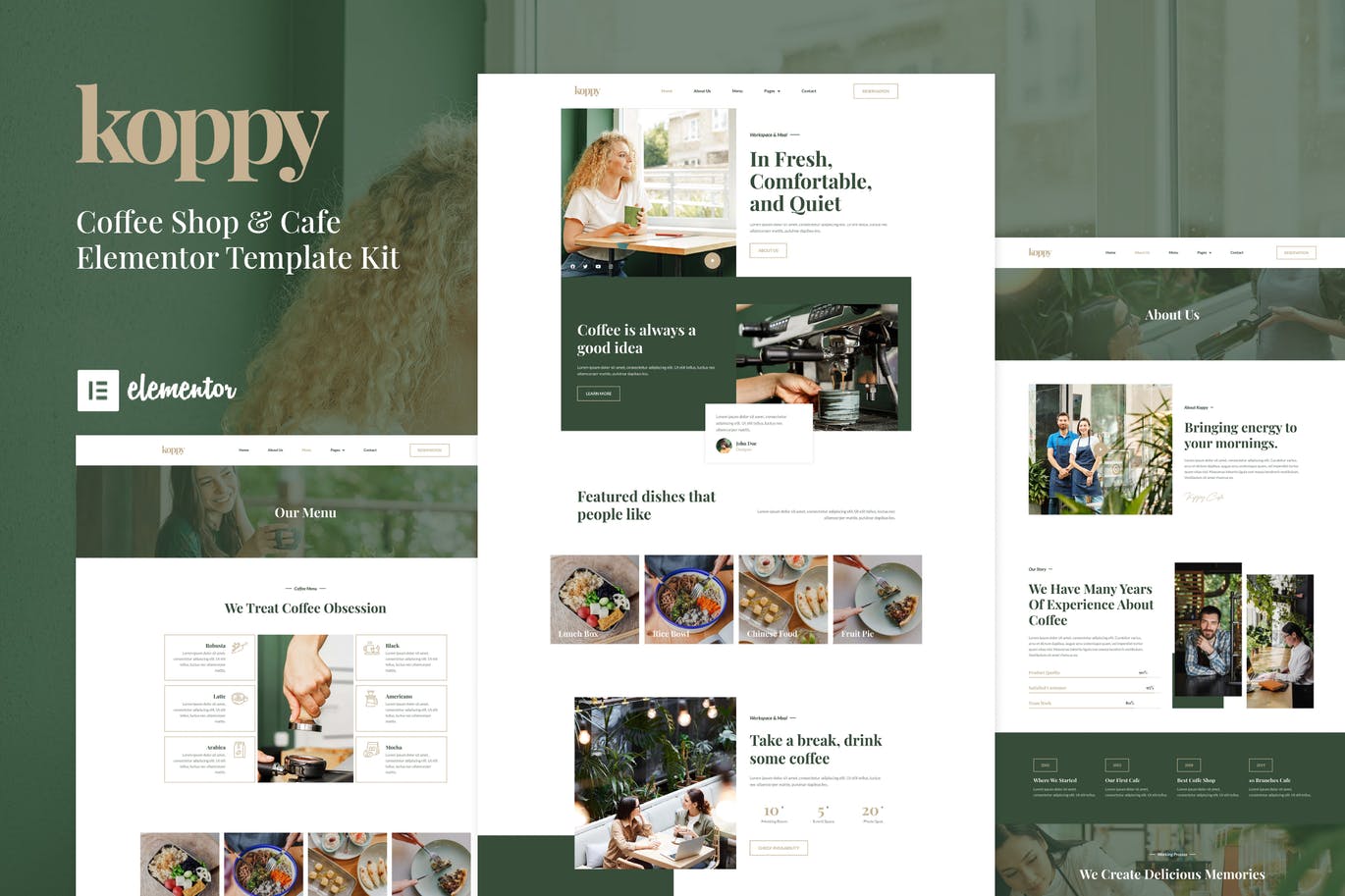
描述
这是一套专业设计的 Elementor 模板套件,全响应式布局,无需代码即可完成定制,适合快速搭建专业网站。
- Global Kit Styles
- Header
- Footer
- Home
- About Us
- Menu
- Team
- Services
- Reservation
- FAQs
- Contact
- Blog
- 404 Page
- Single Post
- Elementor
- Elementor Header & Footer Builder
- ElementsKit Lite
- Envato Elements
- WPForms Lite
- Jeg Elementor Kit
使用说明:下载后得到一个 Template Kit 压缩包, 在 WordPress 后台通过 Elementor 的模板套件导入功能一键导入, 导入前请先安装上方所需插件。
Koppy – Coffee Shop & Cafe Elementor Template Kit is an Elementor Template Kit for quickly and easily creating websites for your coffee or cafe business using the Elementor Page Builder plugin for WordPress. This kit has been optimized for use with the free Hello Elementor theme but may be used with most themes that support Elementor.
Features:
Templates Include:
Koppy – Coffee Shop & Cafe Elementor Template Kit is an Elementor Template Kit for quickly and easily creating websites for your coffee or cafe business using the Elementor Page Builder plugin for WordPress. This kit has been optimized for use with the free Hello Elementor theme but may be used with most themes that support Elementor.
Features:
- Using Free Plugins (Elementor Pro is not required)
- Unique & Clean Design
- 10+ Ready to Use Pages
- 15+ Ready to Use Templates
- Fully Responsive Layout
- Fully Customizable
- Cross-Browser Compatibility: Chrome, Firefox, Safari, Opera
Templates Include:
- Global Theme Style
- Home
- About Us
- Menu
- Reservation
- Team
- Services
- FAQs Page
- Blog
- Single Post
- Contact
- Header
- Footer
Required Plugin:
- Elementor
- ElementsKit Lite
- Elementor – Header, Footer & Blocks
- Jeg Elementor Kit
- WPForms Lite
How to Install:
- Install and Activate the “Envato Elements” plugin from Plugins > Add New in WordPress
- Do not unzip
- Go to Elements > Installed Kits and click the Upload Template Kit button.
- Before importing a template, ensure the Install Requirements button is clicked to activate required plugins
- For best results, do not import more than one template at a time.
- Go to Pages and create a new page and click Edit with Elementor
- Click the gear icon at the lower-left of the builder to view page settings and choose Elementor Full Width and hide page title
- Click the gray folder icon to access the My Templates tab and then Import the page you’d like to customize
For further support, go to Elementor > Get Help in the WordPress menu.
Setup Global Header and Footer in ElementsKit
1.Import the header and footer template
- Go to ElementsKit > Header Footer select Header and click Add New
- Give it a title, leave Entire Site selected, and toggle Activation to On
- Click the template title and Edit Content
- Click the gray folder icon and select the header template to import and Update
- Repeat for Footer
How to use: after downloading you get a Template Kit zip. Import it in WordPress via Elementor's Template Kit importer. Please install the required plugins listed above before importing.